
This is an old revision of the document!
Table of Contents
Linking a Diary Record to Tickets
Records in the Performed Works and Other Records sections can be used to track tickets related to the relevant diary record. Tickets are stored in the Ticket Management module, which must be activated for the project in order to work with them.
Creating a Ticket
 \
\
For a record that results in specific tickets, tickets can be entered from the record menu by selecting Create a new ticket for this record.
$$
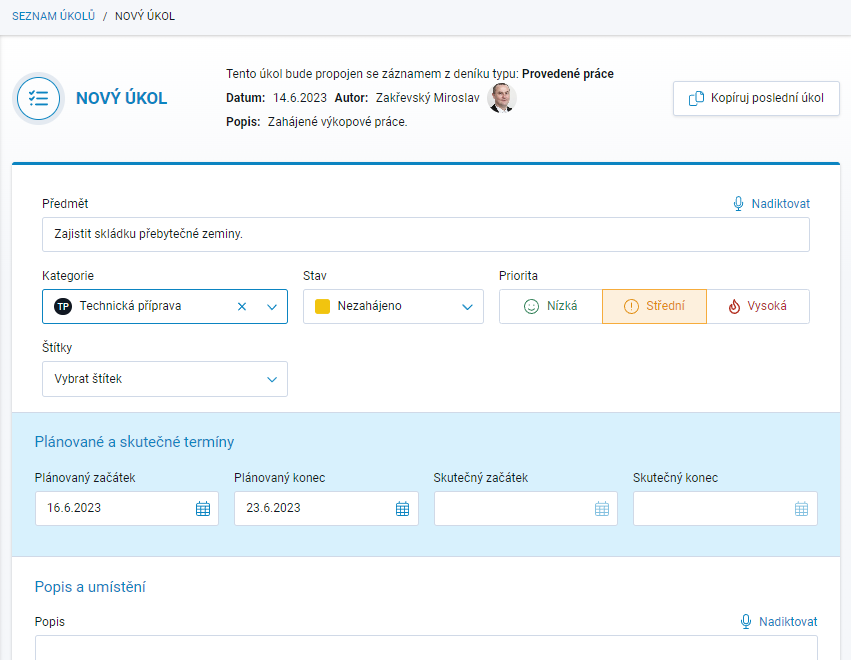
This option opens a separate browser tab and launches the Ticket Management module in new-ticket entry mode. You can add one or more tickets related to the selected diary record.
Viewing Tickets Related to a Record
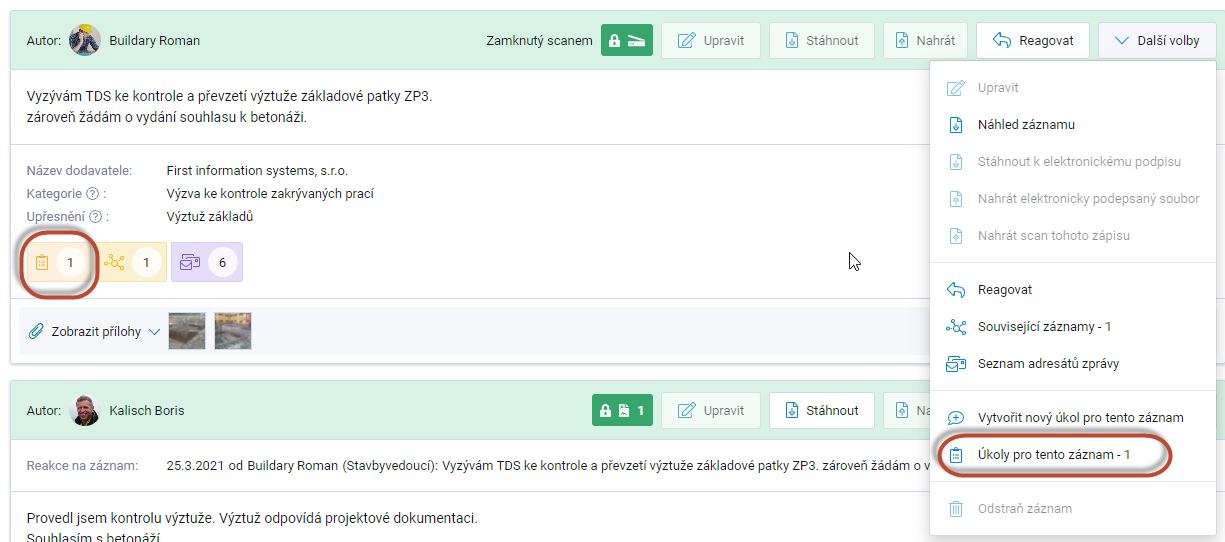
Tickets related to the record can be viewed at any time by selecting the appropriate option from the ticket menu.
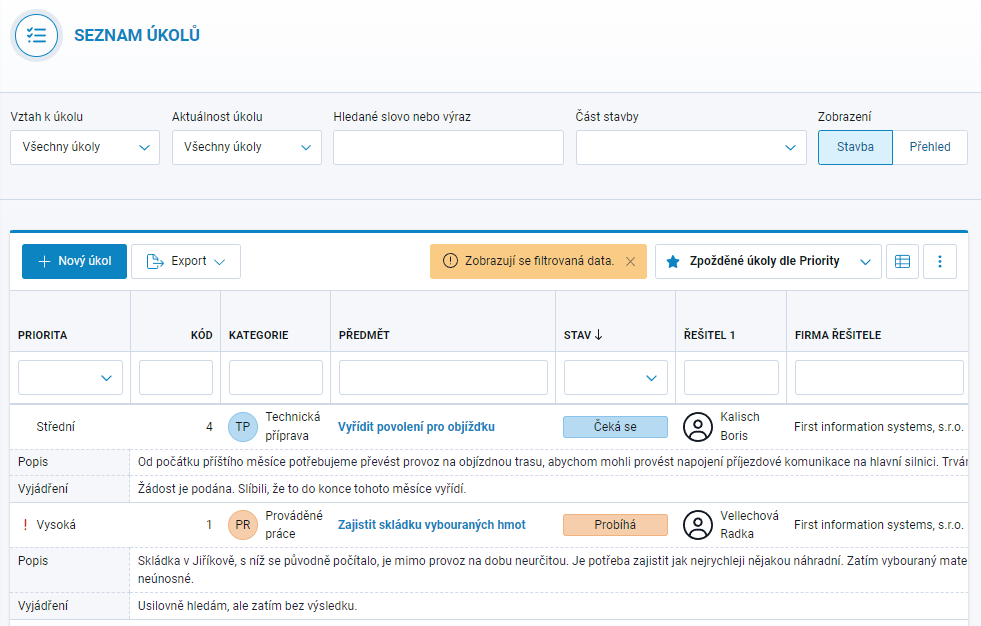
The resulting list of tickets may look, for example, like this.
$$