
This is an old revision of the document!
Daily Report
The Daily Report is a PDF output containing the records for a given day. The file is generated using the PDF Preview button located in the header of the Daily Records window.

The content of the Daily Report is identical to the Daily Records displayed on screen. Its format is also very similar. Records are divided into sections. If a section contains only a small amount of data, the records may be arranged into multiple columns to save space (see the Persons section in the image below). Records containing a larger number of fields are displayed as separate rows.
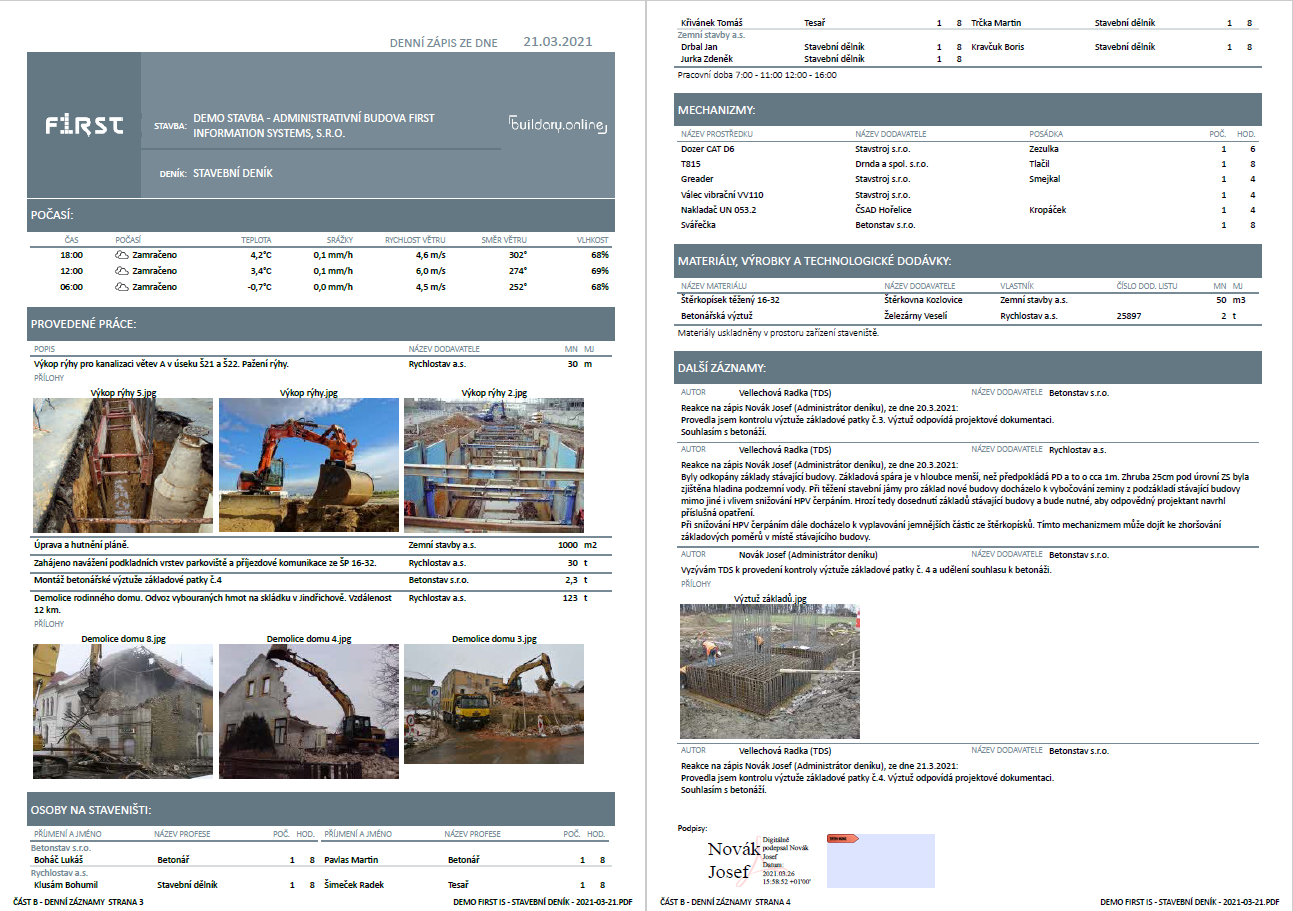
Reports for Other Entries are automatically included as attachments to the Daily Report (if the report has been generated and signed). Images and other attachments are likewise included in the Daily Report PDF file.
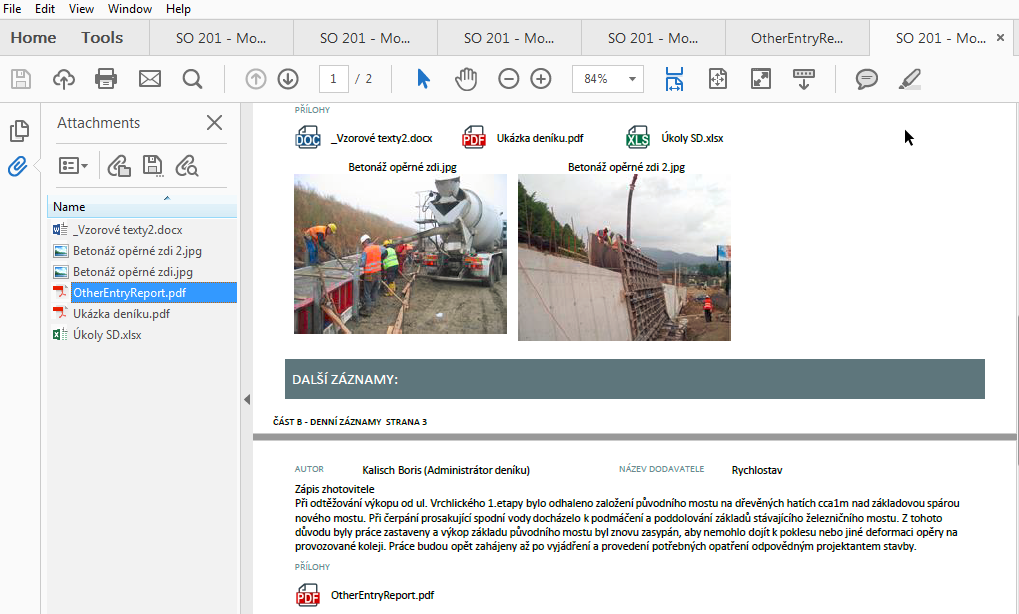
For viewing PDF documents, we recommend Adobe Acrobat Reader DC, which also allows you to view attachments embedded in the PDF document. Click the paperclip icon in the left panel to open the attachments panel.